The fastest way to access your membership profile is through the Join Now page on our website.
Visit the Join Now page
At the top of the membership form, click “Sign In”
You’ll be taken to the login page
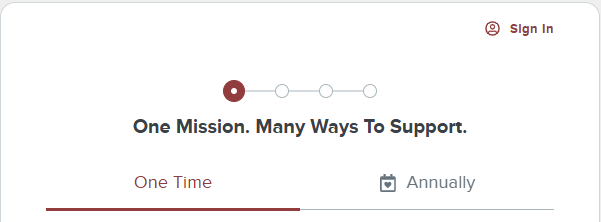
If you don’t remember the password you created at checkout — or if you didn’t create one — simply select “Create an Account.” From there, you can access and manage your basic membership information.
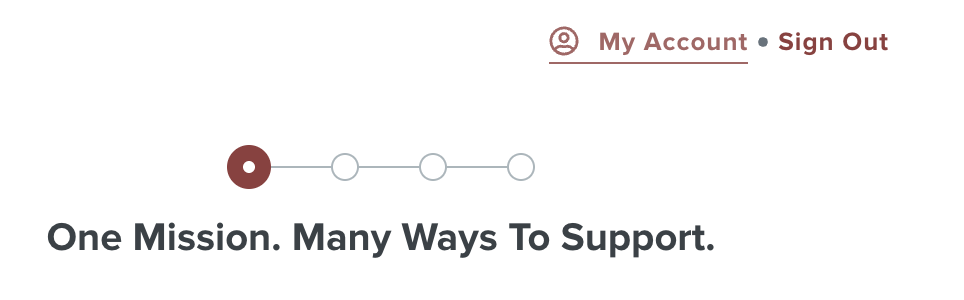
You will now see My Account at the top of the Form.
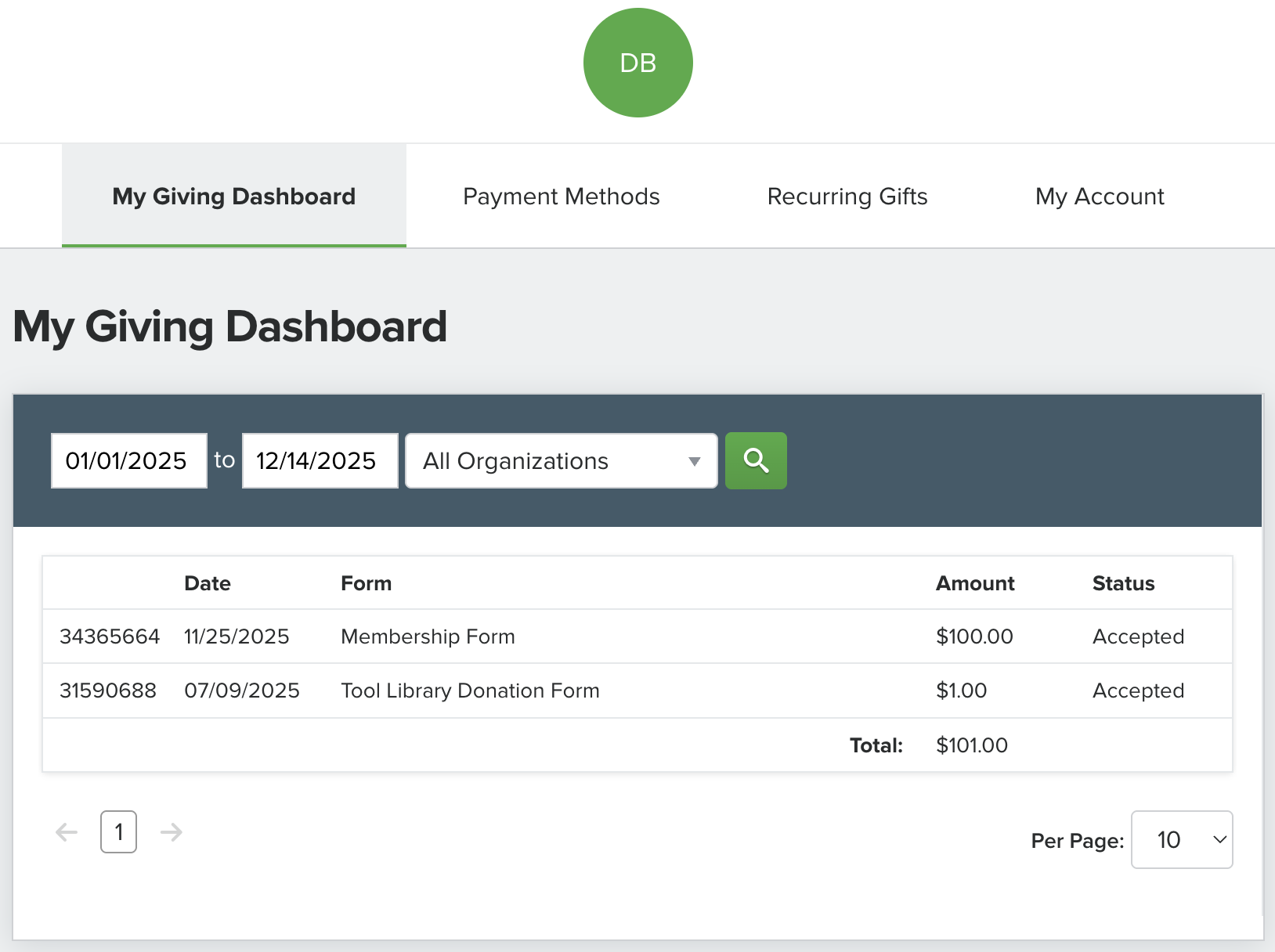
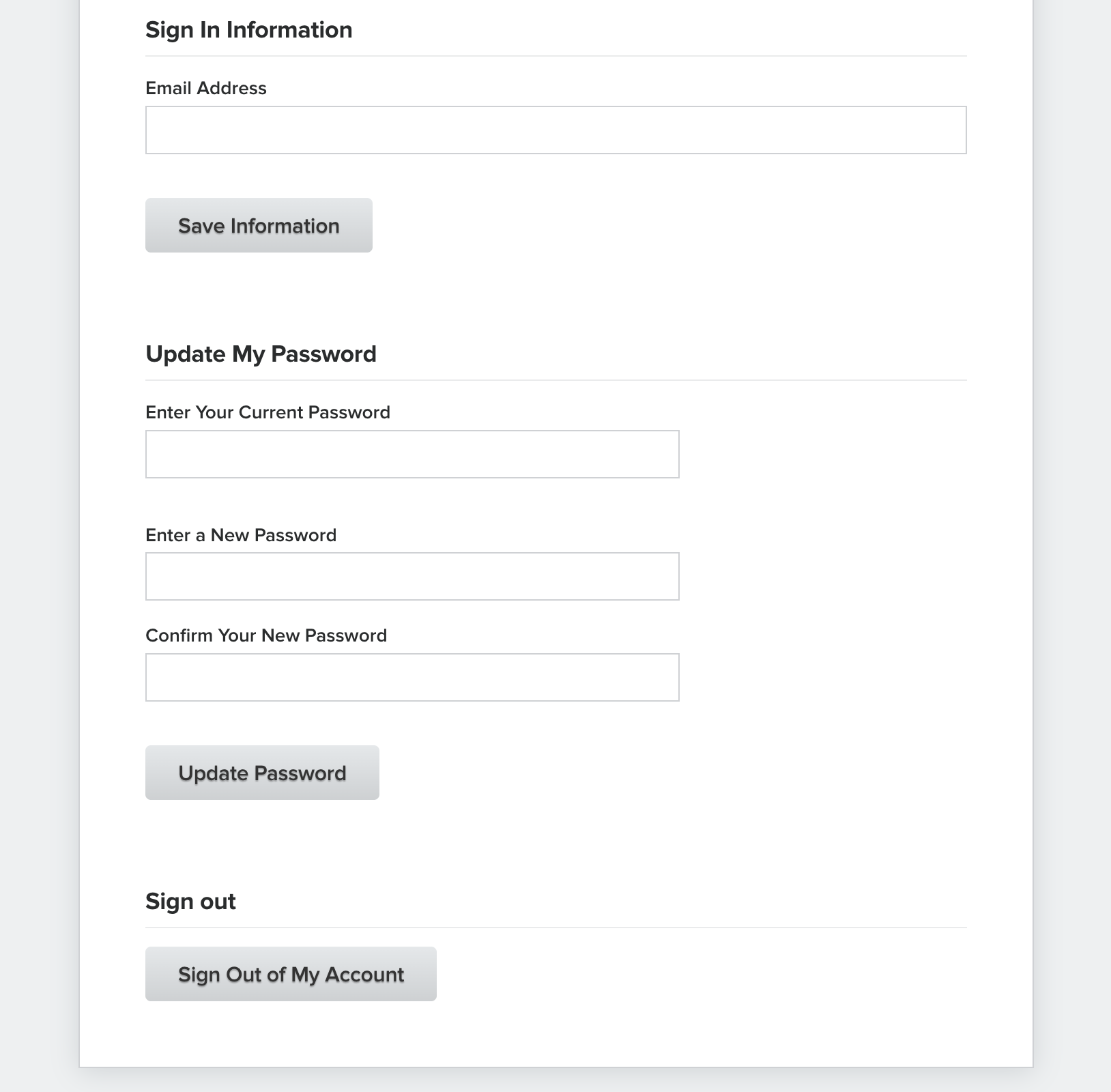
This is now what you will see in your Member Portal. All donations will be listed and if payment information was saved you will be able to update your card or change payment methods under Payment Methods, you can also manage your Recurring Gifts.
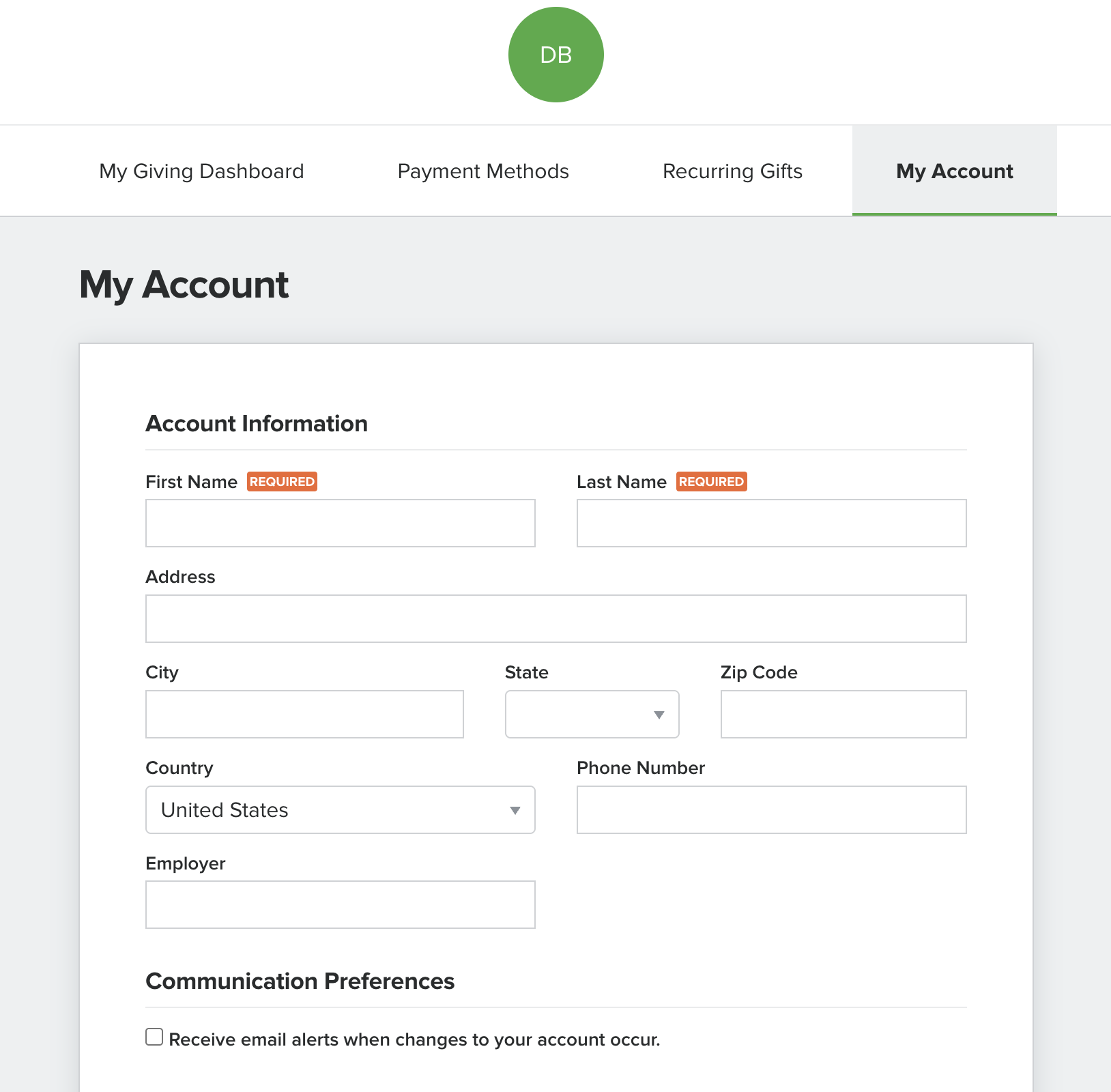
Update your personal information under My Account if you've noticed that there are misspellings on your mailings or communications you receive from us, please adjust your information accordingly. It's also important to note that if you are applying for a CCW you will want your name to match all other needed documentation.
Was this article helpful?
That’s Great!
Thank you for your feedback
Sorry! We couldn't be helpful
Thank you for your feedback
Feedback sent
We appreciate your effort and will try to fix the article